What Is a Wellness Tracker Notion Template?

Who This Template Is For
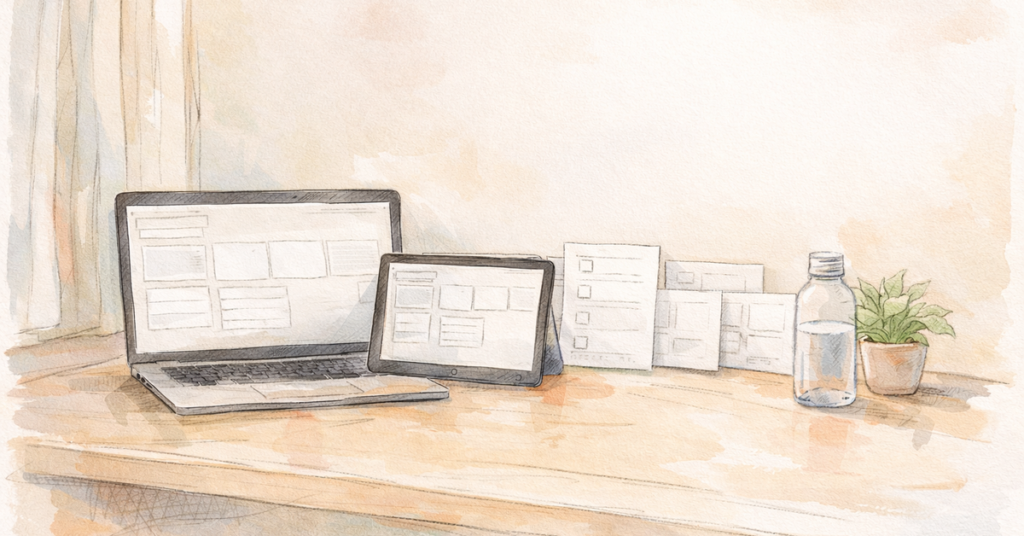
A wellness tracker Notion template is a ready made dashboard inside Notion that helps you track your wellness habits in one place without juggling sticky notes, multiple apps, or random screenshots.
Instead of trying to “remember” what you did, a Notion wellness tracker lets you log and review:
- workouts and daily movement
- hydration and meals (basic tracking)
- sleep and energy
- mood and stress check-ins
- weekly goals and progress
For beginners, this is powerful because consistency is often the most challenging aspect. A tracker turns wellness into a simple daily check-in. The goal isn’t perfection it’s building a routine you can repeat.
If you’ve ever said:
- “I don’t know what to do each day.”
- “I start strong, then fall off.”
- “I want a plan that keeps me organized.”
…then a wellness tracker template can help you stay on track.
A wellness tracker Notion template is a great fit if you’re:
- A beginner who wants structure without overwhelm
- Starting over and needs a simple reset plan
- Building consistency with workouts, steps, or daily movement
- Trying to stay organized with habits like hydration, sleep, and meals
- Motivated by checklists and progress tracking
- Someone who wants to see patterns (energy, mood, routine) week to week
This type of template is especially helpful if you want to keep wellness simple:
- “Did I move today?”
- “Did I drink enough water?”
- “Did I get decent sleep?”
- “Did I follow my plan?”
That’s the foundation.
Who it’s NOT for (yet):
If you want advanced nutrition tracking, macro breakdowns, or medical-grade monitoring, Notion isn’t built for that. A beginner-friendly wellness tracker should focus on the core habits that create momentum.
What to Look For Before You Buy/Download (feature checklist)
- time saved
- layout quality
- guided setup
- built-in databases
- updates/support
1) Beginner-friendly dashboard
- today’s checklist
- workout or movement plan
- weekly goal summary
- quick links to logs
2) Daily check-in (the most important feature)
- movement/workout done (yes/no or quick log)
- hydration check
- sleep hours (optional)
- energy/mood rating (quick)
- quick notes
3) Weekly planning + weekly review
- What worked?
- What made me fall off?
- What can I simplify?
- weekly goals
- weekly schedule
- weekly summary/reflection
4) Habit tracking that doesn’t feel like homework
- a small number of habits (5–10 max for beginners)
- checkboxes or simple toggles
- habit streak view (optional)
5) Workout + movement tracking that matches your beginner plan
- routine name (A/B/C, full body, low impact, etc.)
- duration or “done.”
- notes (optional)
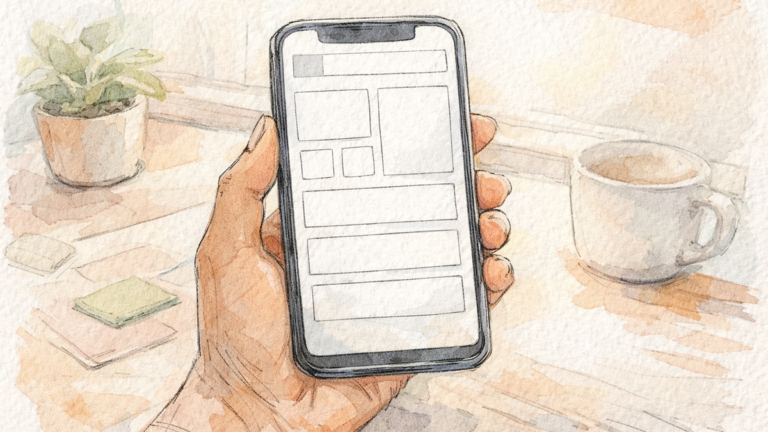
6) Mobile-friendly layout
- have clean spacing
- avoid tiny tables
- Keep the daily check-in easy on mobile.
7) Easy setup (5 minutes or less)
- a quick start page
- Minimal customization required
- simple databases (not 12 interconnected systems)
8) Clean design that matches your style
9) Price that makes sense for what’s included
- a complete system (daily + weekly + tracking)
- clear layout
- easy setup
- beginner guidance
Best Wellness Tracker Notion Templates (3–7 options)
Note: Prices and included features vary by creator and may change. Always check the listing before purchasing.
- If you want simple → Option 2
- If you want workouts tracked → Option 3
- If you want mood/journaling → Option 4
- If you want everything in one → Option 5
- If you want planner style → Option 6
Option 1: My Beginner-Friendly Notion Wellness Tracker (Recommended)
Includes: daily check-in, habit tracker, movement/workout log, hydration, weekly goals + weekly review
Difficulty: easy
Why it’s good: It’s built around what beginners actually need: consistency, clarity, and a simple weekly plan.
Option 2: Minimal Habit + Wellness Tracker (Simple dashboard style)
Includes: habits, daily check-in, simple weekly view
Difficulty: easy
Why it’s good: Fast, clean, low friction.
Option 3: Fitness + Workout Log Notion Template (Training-focused)
Includes: workout log, routine library, weekly schedule
Difficulty: medium
Why it’s good: Better for people who are routine-driven and want a workout structure.
Option 4: Wellness Journal + Mood Tracker Template (Reflection-focused)
Includes: mood logs, daily journal prompts, weekly reflections
Difficulty: medium
Why it’s good: Great if mindset and stress are big factors for you.
Option 5: All-in-One Life Dashboard (Wellness section included)
Includes: life planning + wellness tracking modules
Difficulty: medium to advanced
Why it’s good: Works if you want one dashboard for everything, but it can be too much for beginners.
Option 6: Printable-style Wellness Tracker Template (Notion version)
Includes: calendar view, checklist pages, simple logs
Difficulty: easy to medium
Why it’s good: Feels like a planner, works well if you’re already used to templates.
| My Beginner-Friendly Notion Wellness Tracker | Free-$ | Beginners + consistency | Daily check-in, habits, workouts, hydration, weekly goals/review | Easy | Mobile-friendly | Setup time |
| Minimal Habit + Wellness Tracker | Free-$ | Simple daily checklists | Habit tracker, daily check-in, basic weekly view | Easy | ||
| Fitness + Workout Log Template | Free | Workout tracking | Workout library, log, schedule, progression notes | Medium | ||
| Wellness Journal + Mood Tracker | Free-$ | Mindset + reflection | Mood/energy logs, journaling, weekly reflections | Medium | ||
| All-in-One Life Dashboard | $ | One dashboard for everything | Wellness + tasks + planning modules | Med–Advanced | ||
| Printable-style Wellness Tracker (Notion) | Free-$ | Planner lovers | Calendar/checklists, simple logs | Easy–Medium |
How to Use a Notion Wellness Tracker (5-Min Setup)
Step 1: Duplicate the template to your Notion
Step 2: Choose your weekly schedule (start with 3 days)
- 3 workouts/week
- 2 light movement days (walk/stretch)
Step 3: Set your “minimum baseline”
- 5 minutes of movement
- warm-up only
- 1 round of the workout
Step 4: Add 3–5 habits (max)
- water before the first meal
- 10-minute movement
- protein + color at one meal
- bedtime window
- steps goal (optional)
Step 5: Use daily check-in + weekly review
Weekly: review what worked and simplify what didn’t.
Common Mistakes to Avoid
Mistake 1: Tracking too many things
- movement/workouts
- hydration
- 1–3 habits
Mistake 2: Creating a perfect dashboard before you start
Mistake 3: Changing the system every week
Mistake 4: Using it only when you feel motivated
Mistake 5: Not reviewing weekly
Mistake 6: Buying a template that’s too advanced
FAQ
1) Is a Notion wellness tracker good for beginners?
2) Can I use a wellness tracker Notion template on my phone?
3) Do I need to track food to be consistent?
4) Should I buy a paid template or use a free one?
5) What should I track first?
- workouts/movement (yes/no)
- hydration
- one habit (like 10 minutes of movement)
Then add more later.
6) How long should I use the same tracker?
7) What if I keep falling off?
- simple
- fast to set up
- built around daily check-ins + weekly reviews
- supportive of a beginner workout schedule
Pingback: How to Build Healthy Habits as a Beginner (7-Day Plan)
Pingback: Buy Notion Wellness Tracker — Complete Buying Guide
Pingback: Night Routine for Better Sleep (Step-by-Step Guide)
Pingback: Sleep Hygiene Tips for Beginners (Simple Guide)
Pingback: Morning Routine for Beginners Wellness (Simple Daily Guide)
Pingback: Wellness Fitness Tracker Notion: The Complete Beginner's Buying Guide - wellnessfitnessunitt